Why is iPhone Developer Mode Not Showing?, How to Fix iPhone Developer Mode NotShowing?
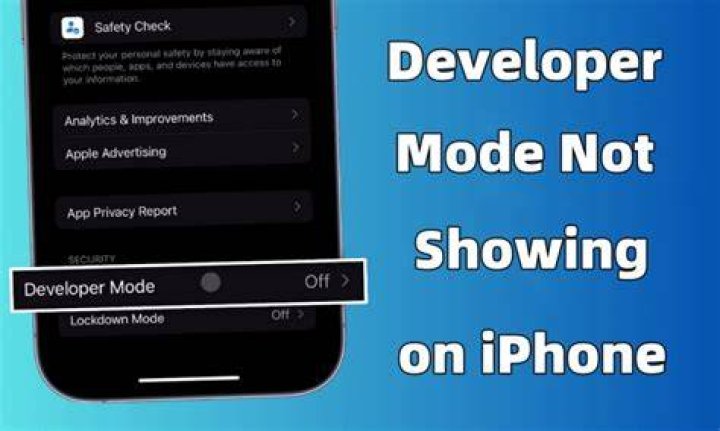

Why is iPhone Developer Mode Not Showingon iOS 16 or above? Learn effective solutions to enable Developer Mode. Explore two methods, iCareFone and Xcode, to troubleshoot and fix the issue for seamless app development on your iPhone or iPad."
What is iPhone Developer Mode?
With the release of iOS 16, Apple introduced iPhone Developer Mode, a significant feature that grants developers the ability to unlock development capabilities on their iPhones and iPads. Before iOS 16, developers could directly test beta apps on their devices using Xcode on a Mac. However, the introduction of Developer Mode changed this process, requiring users to manually enable the feature to run and test beta apps from Xcode.
Article continues below advertisement
This development mode streamlines the app development and testing workflows, allowing developers to thoroughly evaluate their applications under real-world conditions before making them available to the general public. By providing this capability, Apple empowers developers to refine and optimize their apps, ensuring a smoother and more reliable end-user experience upon public release.
iPhone Developer Mode Not Showing
Since the stable release of iOS 16, iPhone users have noticed that the option to enable Developer Mode directly from the Settings menu is missing, leaving them puzzled about how to access this vital feature. Apple's decision to remove the Developer Mode toggle from the Settings app is likely rooted in its commitment to bolstering security and ensuring a seamless user experience for the broader consumer base.
Article continues below advertisementArticle continues below advertisement
By limiting access to Developer Mode, Apple aims to prevent unintended modifications or potential security vulnerabilities that could arise from non-developers experimenting with advanced settings. While this change may initially pose a challenge for developers who relied on the convenience of the Settings option, it encourages them to utilize alternative methods like iCareFone or Xcode to maintain a controlled and secure app development environment.
Why is iPhone Developer Mode Not Showing?
iPhone Developer Mode is not showing in the Settings menu of iOS 16 and above due to a deliberate decision made by Apple to improve security for general consumers. Before the stable release of iOS 16, users could easily enable Developer Mode directly from the Settings app, allowing them to test beta apps using Xcode. However, Apple chose to remove this option in later iOS versions to prevent unauthorized access and potential misuse of developer capabilities by non-developers.
Article continues below advertisementArticle continues below advertisement
By doing so, Apple aimed to create a safer and more controlled environment for regular users, ensuring that sensitive development features are only accessible to those with the necessary technical expertise. As a result, developers now need to use alternative methods such as Tenorshare iCareFone or Xcode to enable Developer Mode and continue their app testing and development activities.
How to Fix iPhone Developer Mode NotShowing?
To fix the issue of iPhone Developer Mode not showing, you have two effective methods at your disposal:
Method 1: Using iCareFone
Article continues below advertisementArticle continues below advertisement
Method 2: Using Xcode
Why is iPhone Developer Mode Not Showing? - FAQs
1. What is iPhone Developer Mode?
iPhone Developer Mode enables development capabilities on iPhones and iPads for testing beta apps.
2. Why is iPhone Developer Mode Not Showing?
Apple removed the option to enhance security for general users in iOS 16.
3. How to Fix iPhone Developer Mode Not Showing?
You can use iCareFone or Xcode to enable Developer Mode on iOS 16 or above.
4. What is Tenorshare iCareFone and how does it enable Developer Mode?
Tenorshare iCareFone is a tool that enables Developer Mode with a simple 1-click process.
5. Is enabling Developer Mode safe for my iPhone or iPad?
Yes, enabling Developer Mode is safe and does not compromise device security.
